FlyCtrl Beta
FlyCtrl.io — Browser-Based ATC & Flight Network
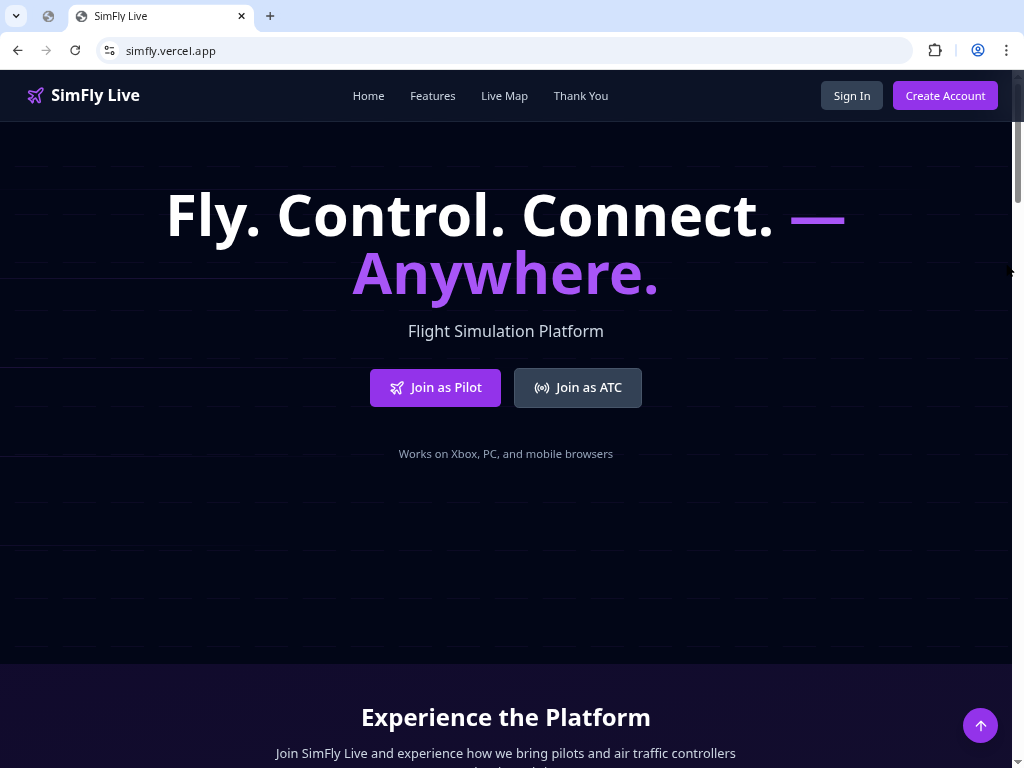
FlyCtrl.io is a fully browser-based air traffic control and flight network for sim pilots and controllers.
No downloads. No installers. Just open your browser and fly.
Works with Microsoft Flight Simulator, X-Plane, Prepar3D, mobile browsers, and even Xbox (via Edge).
✈️ What Is FlyCtrl.io?
FlyCtrl.io connects pilots and controllers using real-time voice and text communication — all inside your browser.
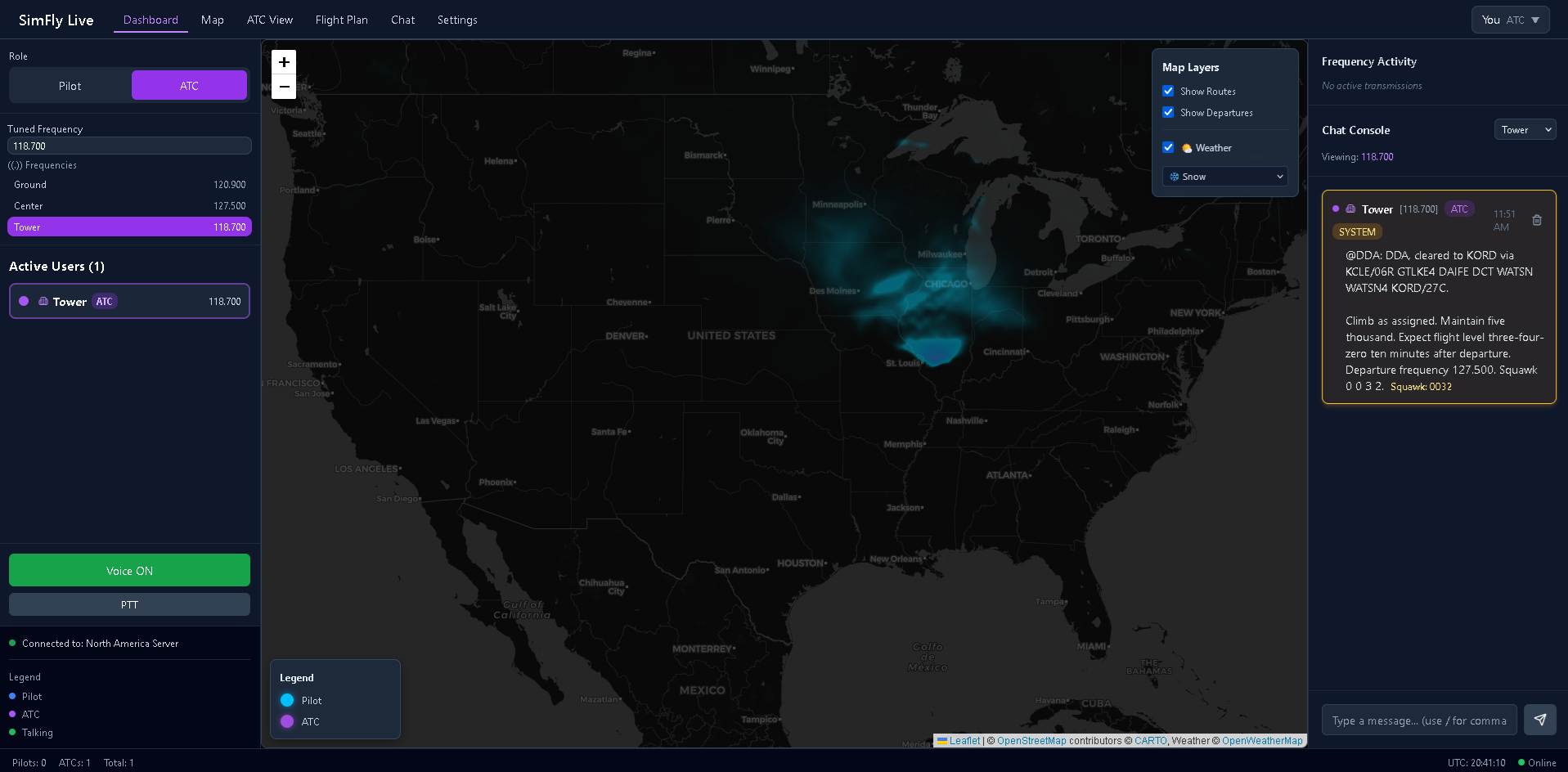
Tune frequencies, file flight plans, track aircraft, and manage airspace on a live radar map with zero installation required.
This itch.io page is an information and launcher hub. The full FlyCtrl.io app opens in a popup or new tab on the official website.
🌐 Key Features
🛫 Advanced Taxi Instruction System (New)
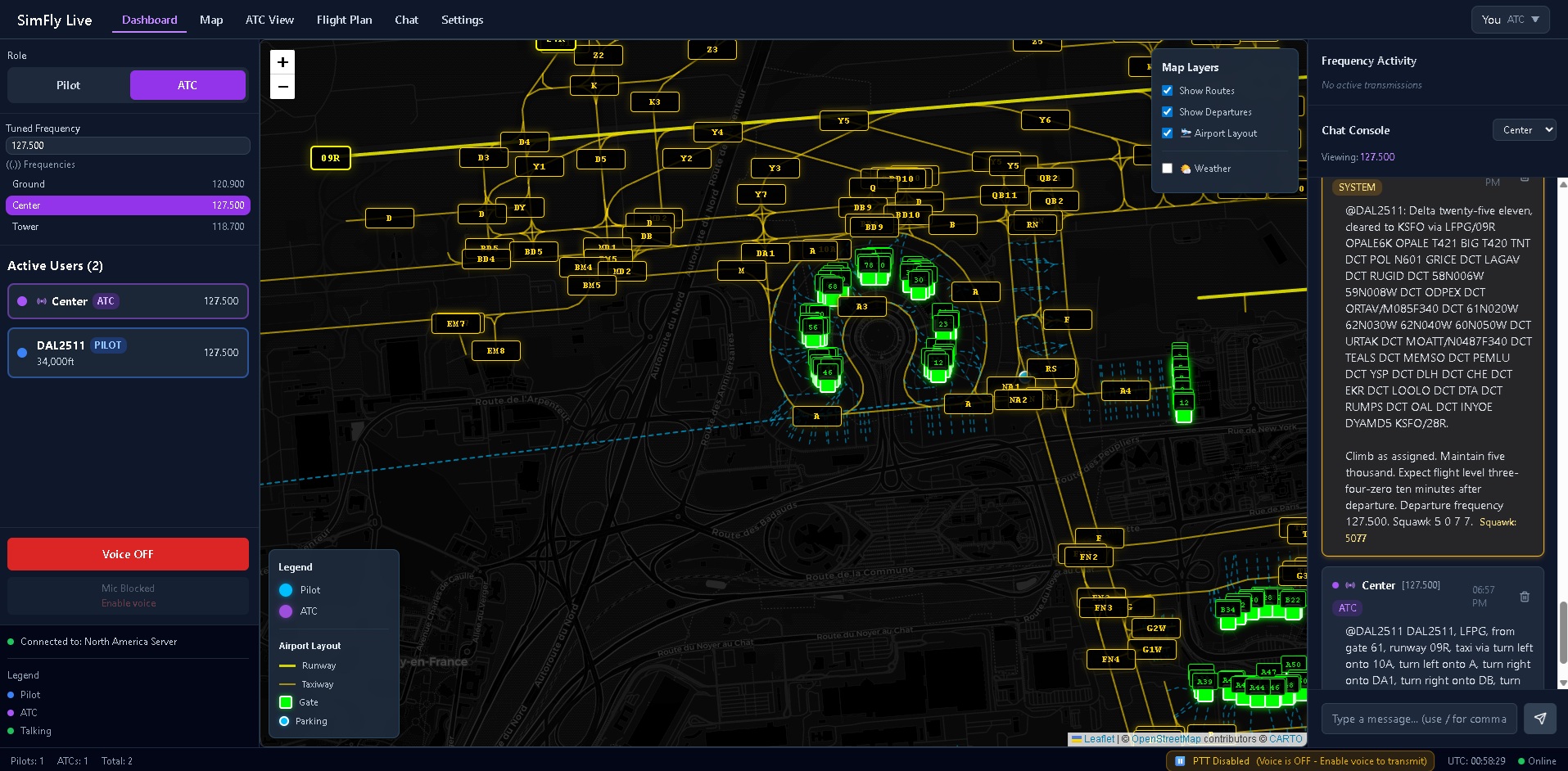
- Automated taxi route generation using /t2 @callsign
- "Wheel of Fortune"–style taxiway selector
- Real-time airport data from OpenStreetMap
- Intelligent pathfinding for optimized routing
- Draggable, fully interactive taxi map popup
- Taxi instructions appear directly inside flight plans
- 24-hour airport layout caching for faster loading
💬 Multi-Language Chat Support (New)
- Supports 11 languages
- Auto-scrolling keeps newest messages visible
- Cleaner UI and improved performance on all devices
🌍 Full Platform Localization (New)
- Menus, popups, and dashboards fully translated
- ATC & Pilot tools adapt to selected language
- System alerts and notifications localized dynamically
🧭 Core Features
- 100% browser-based — no installs required
- Real-time voice & text communication
- Pilot and ATC controller roles
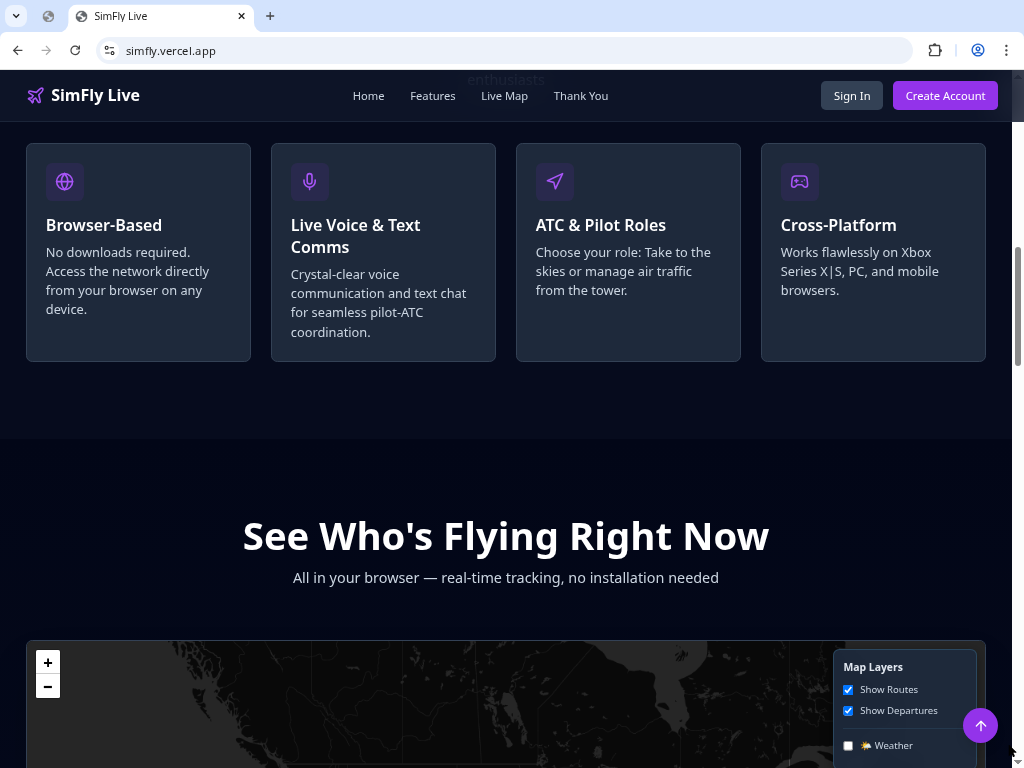
- Live traffic map & radar-style interface
- Full frequency tuning (GND, TWR, APP, DEP, CTR)
- Push-to-Talk (PTT) voice system
- PC, Mac, Linux, Mobile, and Xbox support
- Compatible with MSFS, X-Plane, P3D
- Free to use
🎙️ Microphone Notice
FlyCtrl.io requests microphone access only for in-app voice communication.
If you prefer not to speak, text chat remains fully available.
🚀 How to Launch
Select a launch option on this page:
- Launch in Popup Window
- Open in New Tab
The FlyCtrl.io app will open on the official website for best performance.
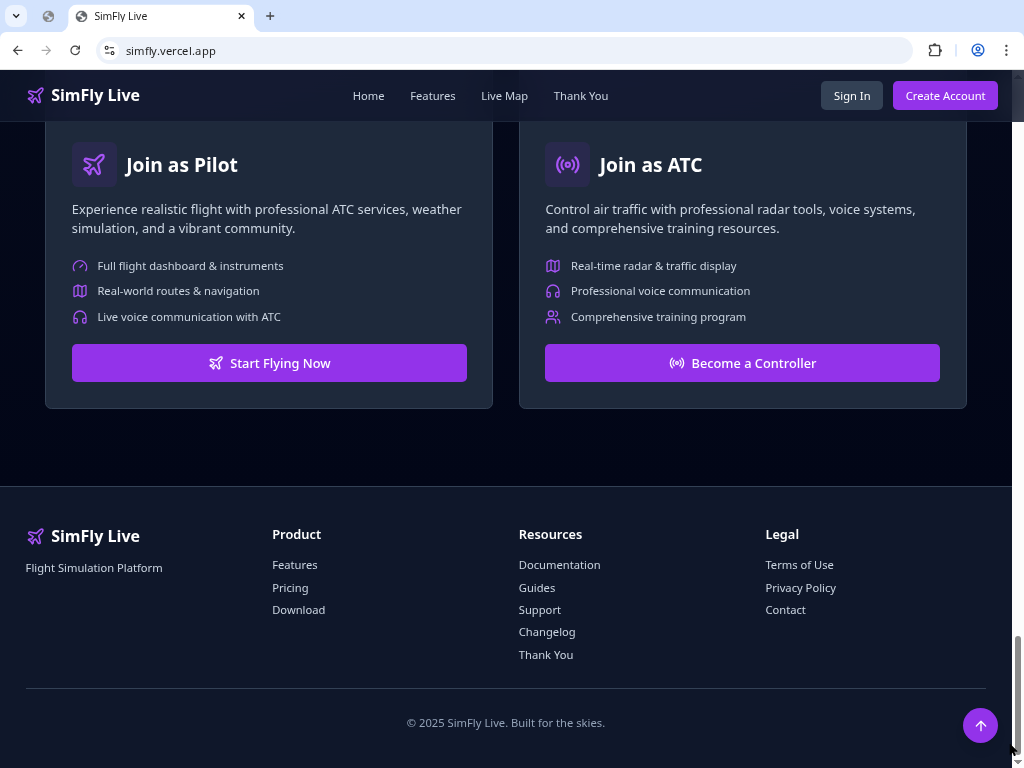
🛫 For Pilots
- Tune and switch between active ATC frequencies
- Communicate via voice or text
- File and view flight plans
- See real-time traffic
- Fly with other pilots on the network
🗼 For ATC Controllers
- Work Ground, Tower, Approach, Departure, or Center
- Sequence arrivals and departures
- Issue clearances, routes, and handoffs
- Communicate with pilots in real time
- Monitor airspace on a radar-style display
🖥️ System Requirements
Minimum
- Modern browser (Chrome, Edge, Firefox, Safari)
- Stable internet connection
- Microphone recommended (optional)
Recommended
- Headset for clearer audio
- MSFS, X-Plane, or P3D
- Larger screen for ATC use
Development log
- SimFly Live v1.3.0 Update: Taxi Instructions + Multilingual UpgradeDec 03, 2025
- SimFly Live Beta LaunchNov 29, 2025